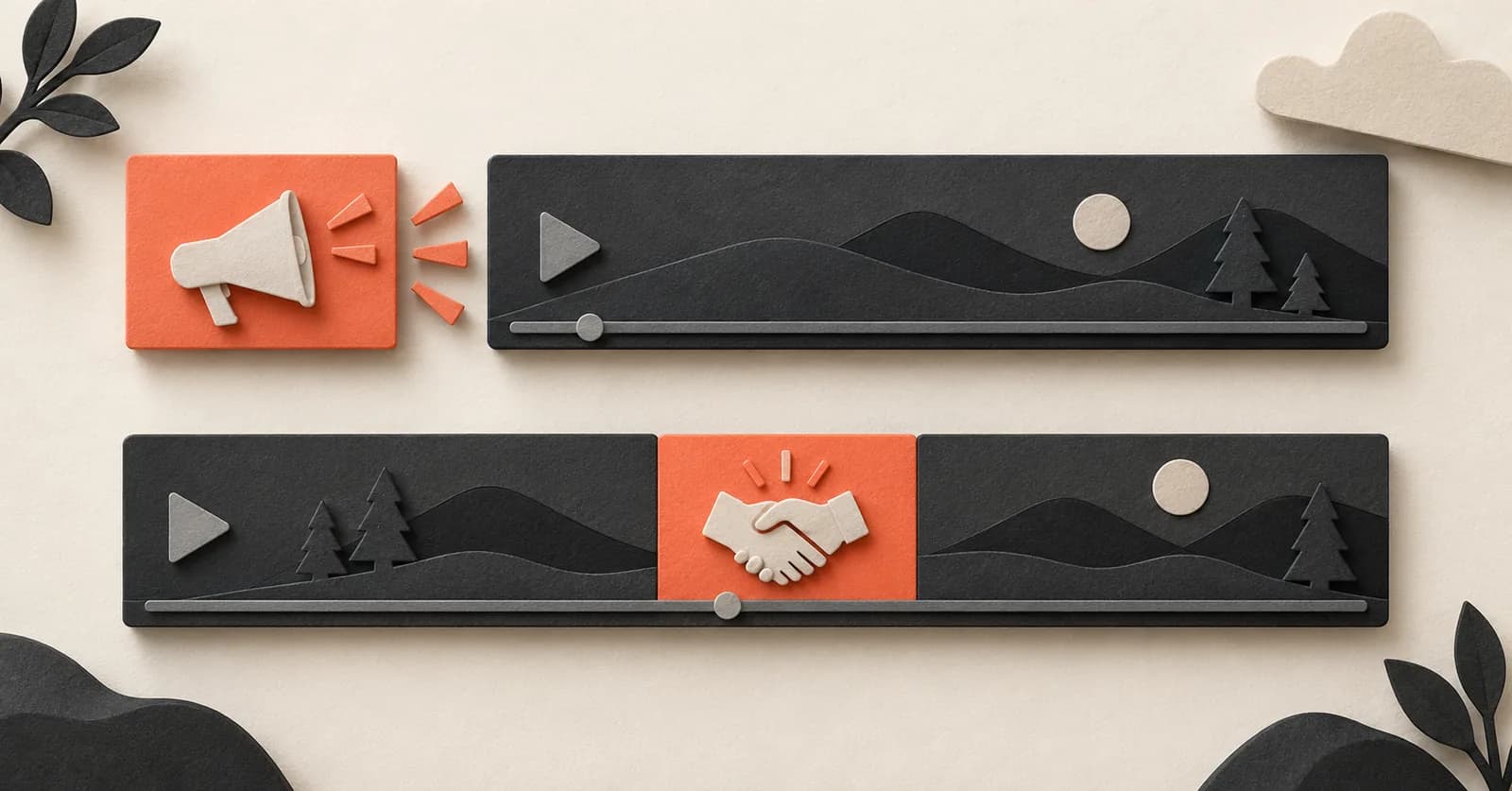
Native YouTube ads are separate playback inventory
Pre-roll, mid-roll and display ads are inserted and served by YouTube. The player knows it is in an ad state, and the ad is not part of the creator's uploaded footage. YouTube Premium is designed to remove this platform-served advertising for subscribers.
An ad blocker also targets network requests or page elements associated with platform advertising. It does not understand what the creator says inside the video.
Creator-read sponsorships are part of the video
A creator-read sponsor segment is narration and footage uploaded as part of the main video. YouTube describes sponsorships as content financed in whole or in part by a company, and says that even with Premium you may still get disclosures for sponsored content added directly by creators.
Because the passage is ordinary video content at the playback layer, removing platform ads does not remove it.
Which tool handles which interruption?
Use the product that matches the layer. Combining tools can be reasonable because they solve different problems.
| Tool | YouTube-served ads | Creator-read sponsor segments |
|---|---|---|
| YouTube Premium | Removed on most videos | Not removed |
| Ad blocker | Targeted (YouTube says this violates its terms) | Not removed |
| SponsorBlock | Not its purpose | Skipped when the community marked them |
| SponsorSkip | Not its purpose | Skipped when AI finds them in the captions |
| Manual seeking | Usually not possible | Possible, by hand |
Why SponsorSkip is not an ad blocker
SponsorSkip deliberately does not skip while the YouTube player reports a native ad. It waits for the actual video, reads the available captions and requests AI analysis of creator-read sponsor passages.
That is why we always describe it as a tool for “creator-read sponsors” or “in-video sponsor segments”, never for “all YouTube ads”.
A simple test
If the interruption has its own countdown or “Skip ad” button and sits outside the video timeline, it is a platform ad. If the creator says the pitch and scrubbing the normal timeline moves through it, it is an in-video sponsor segment.
Common questions
Is a sponsor segment an ad?
Yes, but it is the creator's ad, not YouTube's. The creator is paid by a brand to promote it inside the video, which is why it is part of the timeline and stays when YouTube's ads are removed.
Does YouTube earn money from sponsor reads?
Sponsor deals are usually negotiated between the creator and the brand. YouTube requires creators to disclose them, but the sponsor read itself is not YouTube ad inventory.
Sources
External sources were checked on October 8, 2026. Product details describe SponsorSkip as of the update date above.
Use Google Search? Add SponsorSkip as a preferred source ↗Google may then show our guides more often in your results.